Welcome to Emery Chiropractic Group
Your Ridgewood Chiropractor
Call us at (201) 447-3707 today.
For more information or to schedule an appointment with our Ridgewood chiropractor, call (201) 447-3707 today!
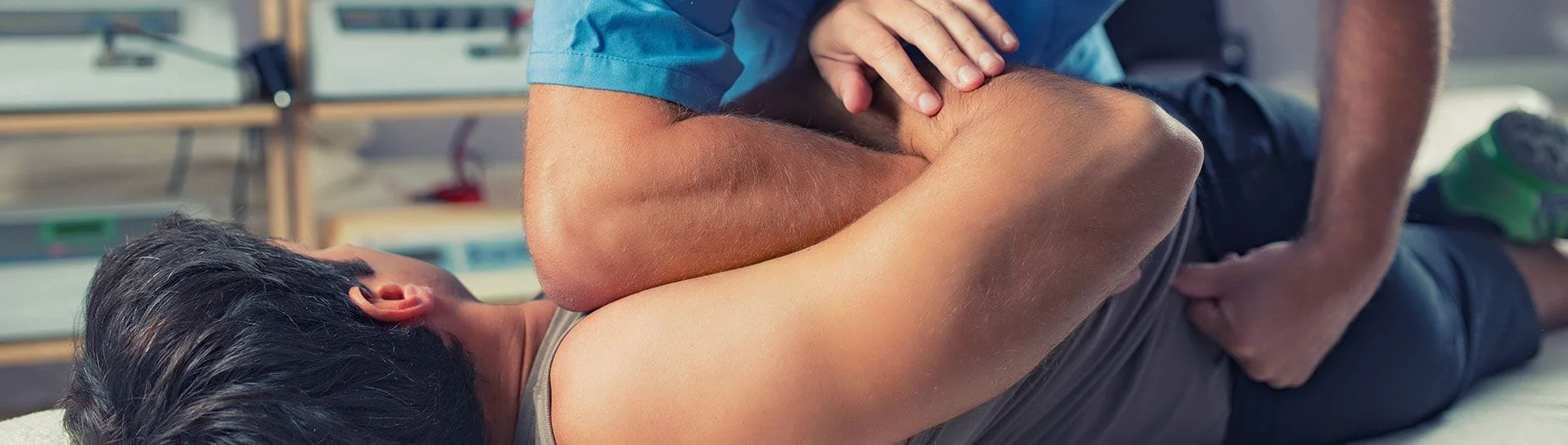
Dr. Kevin Emery is a chiropractor serving Ridgewood and the surrounding area. Our chiropractor and the rest of the welcoming team at Emery Chiropractic Group are committed to providing chiropractic solutions to address your unique needs, whether you are experiencing back pain, neck pain, headaches, or even muscular tightness and tension. You may be searching for pain relief after an accident, experiencing an injury, or if you suffer from a specific condition like chronic back pain or a spinal condition. Even if you are looking to improve your overall health, our chiropractor can help you attain your everyday wellness goals! Visit our testimonials page to find out what our patients are saying about our Ridgewood chiropractor and our chiropractic care plans.
At your first visit to Emery Chiropractic Group, Dr. Kevin Emery will explain how chiropractic care works and give you a full evaluation to see if our chiropractic solutions are a good fit to address your needs. If there is a good fit, we can customize a plan of chiropractic care for your condition and health goals.
If you have not been to a chiropractor before and want to find out more, please email us or call (201) 447-3707 to receive the answers to your questions from our experienced team. We also welcome referrals, so we invite you to share our chiropractic and wellness information with your friends and loved ones.
If you would like to stay informed about the latest in chiropractic care or if you want to start receiving free articles about health and wellness news, subscribe to our bi-weekly newsletter, even if you are not a patient. We also offer a community content area, which includes wellness articles and other healthcare resources.
Dr. Kevin Emery
Ridgewood Chiropractor
Emery Chiropractic Group
(201) 447-3707
310 North Maple Avenue
Ridgewood, NJ 07450